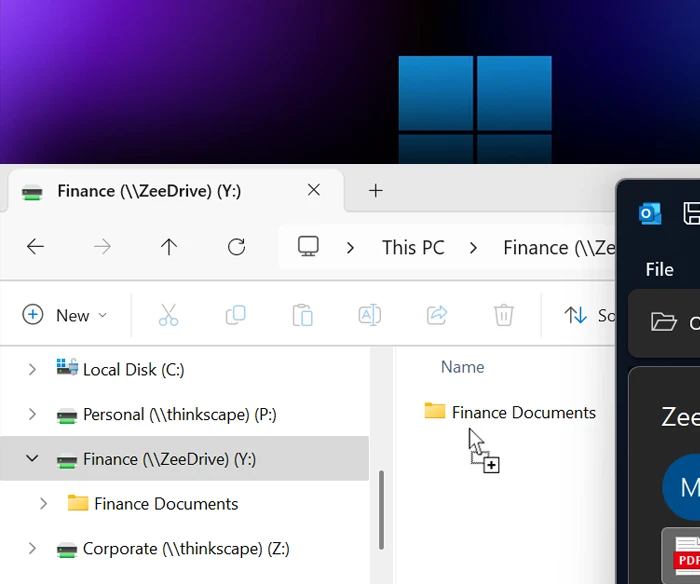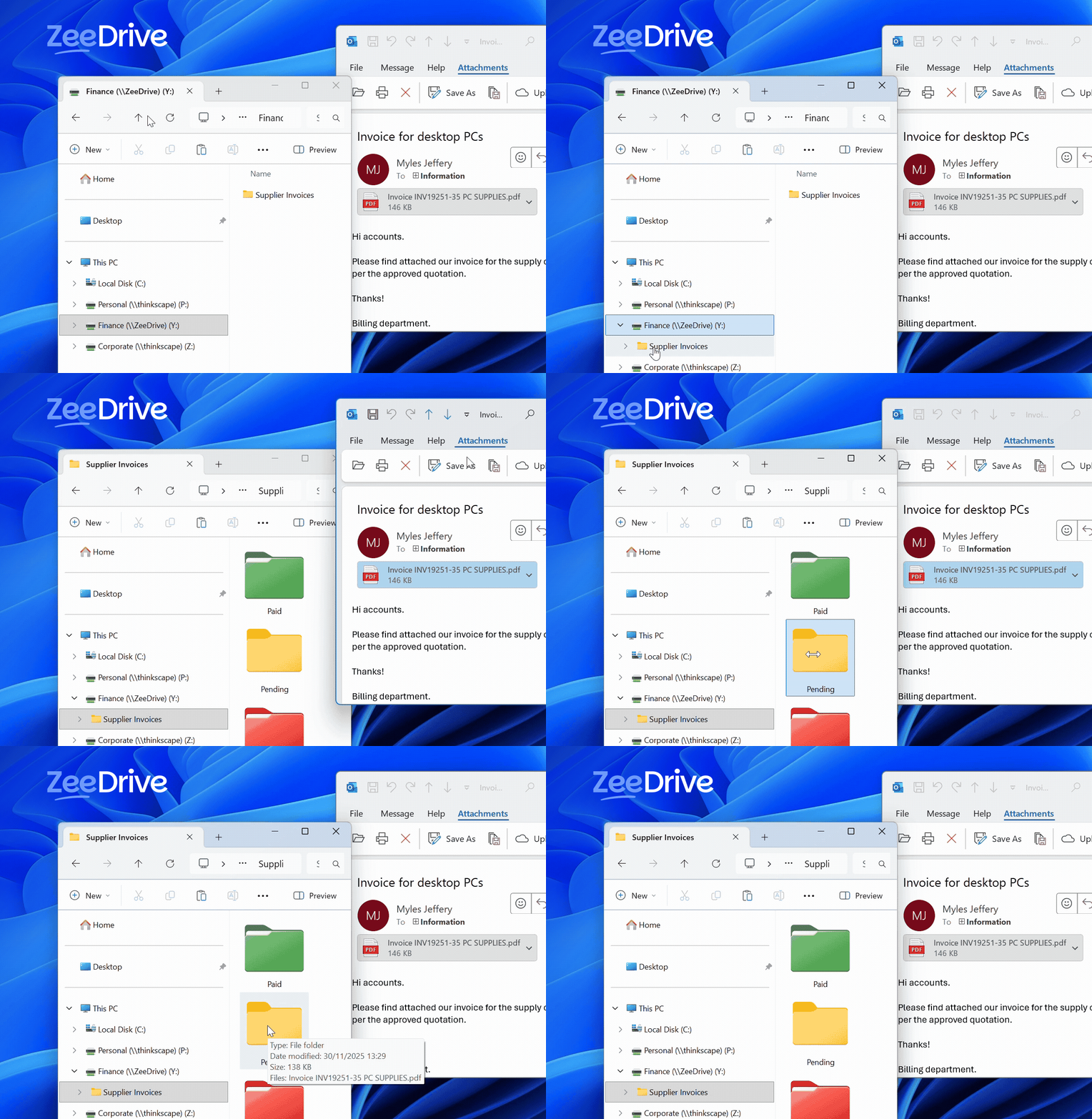





ZeeDrive maps network drives to OneDrive for Business, SharePoint Online document libraries, Teams and hub sites – giving you access to your files in Microsoft 365 through the familiar interface of Windows File Explorer.
ZeeDrive will help you to minimise the disruption to your users and reduce the need for training when transitioning your organisation’s files from on-premises to Office 365 because users will work with their files in a familiar way. You can even keep the same drive letters and file share names.
Users can also perform advanced actions from the ZeeDrive context menu, such as viewing file version history and sharing their files with their colleagues directly from their ZeeDrive mapped network drives in Windows File Explorer.
Your mapped network drive configurations are managed centrally via the ZeeDrive administration console. Its easy to publish your network drive mappings to all users in your organisation no matter if their device is connected to the corporate network, their home office or on a mobile network.
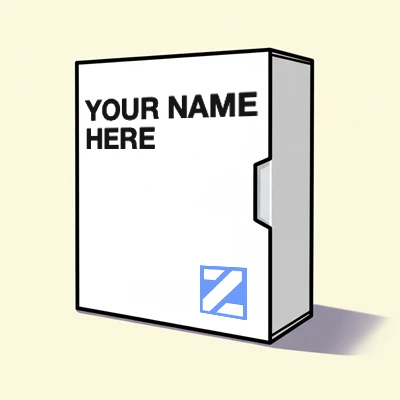
If you work for an IT organisation and are considering deploying ZeeDrive to your customers, then consider a ZeeDrive partner subscription. With a partner subscription you can grey label ZeeDrive to put your organisation name and contact details in front of your customers via the ZeeDrive console window, and simplify administration of your customer subscriptions from a single interface.
With a ZeeDrive partner subscription you can provide a managed cloud file server solution for your customers.
Network drives are persistent between reboots.
Configure your drives through a central administration console.
Map drives to OneDrive for Business, just like a user home drive or My Documents folder.
Use group targeting to conditionally map network drives based on group membership.
Common Windows folders like Documents, Desktop, Pictures can be redirected to users’ OneDrive for Business.
Seamless authentication with ADFS and Entra joined computers.
Businesses Trusting ZeeDrive
Years in the Market
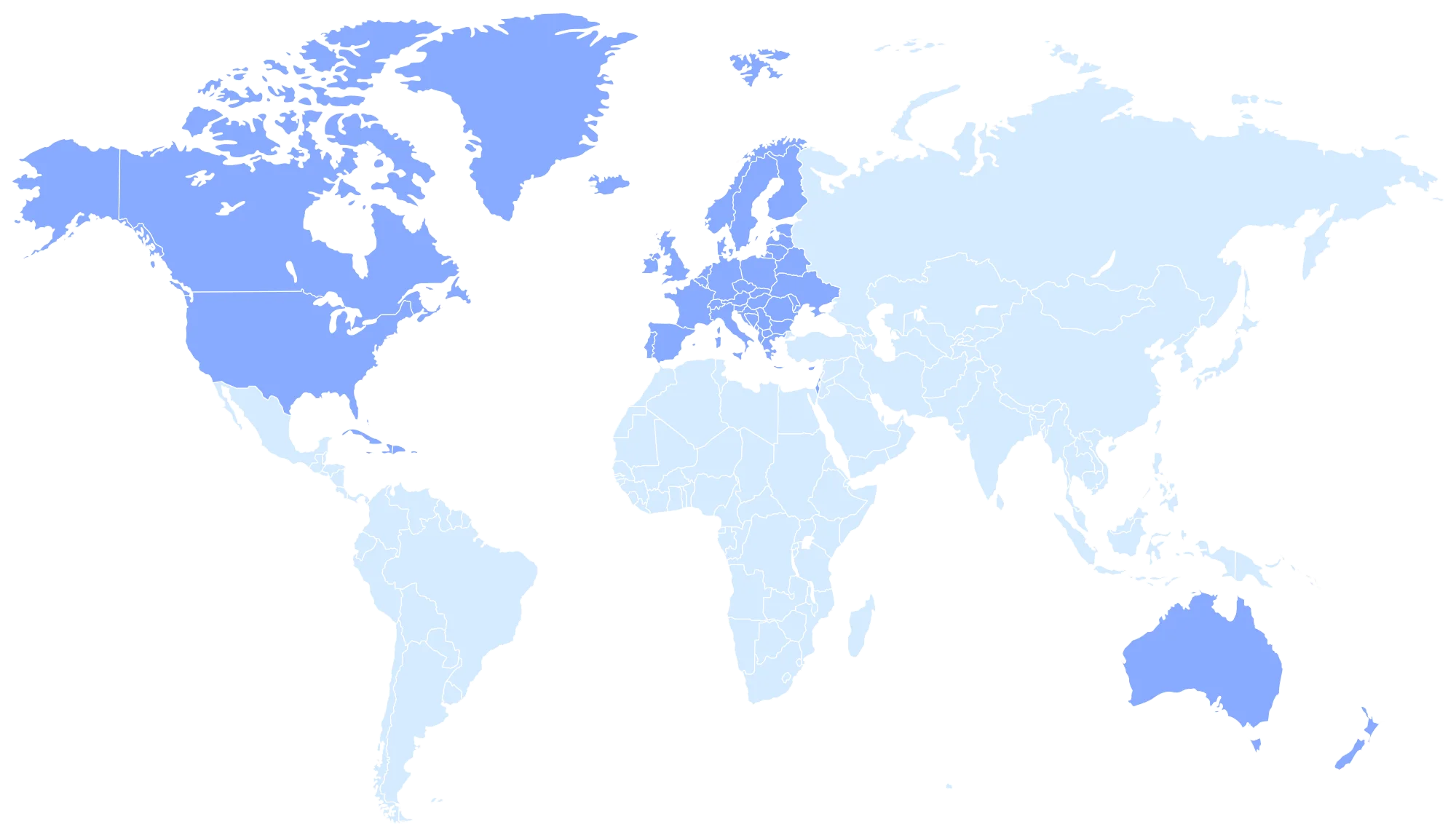
Countries Worldwide
Create your trial ZeeDrive subscription by following the step-by-step guide here.
Set up your network drives and connect them to targets in SharePoint Online and OneDrive for Business.
Add users to your subscription and deploy ZeeDrive to their computers.
Drive will automatically map the network drives you have configured. Your users are ready to work!
USA
Teresa, Blumetech

Move to the cloud
Wow - this is AWESOME software! Must have for anyone who wants to move to the cloud but keep the feel of the file server.
Canada
David, IT Director, Park'N Fly
Good service
We are very happy with ZeeDrive. Its a solid service and causes us zero headaches.
UK
Ian, Uniq Technology
No sync errors
We just love Zee Drive. No more sync errors to deal with!
Switzerland
Yves, CEO, Bonsana
No sync errors
We love your product, I don't know how we managed without it. It's really a joy and pleasure to work again like we did on a local fileserver but with all the benefits of the cloud!
Norway
Terje, CRM Norge
Familiarity of drives
Our customers really like the familiarity of network drives and didn't want to lose that moving to Office 365. Zee Drive was just what we were looking for.
Australia
Jim, Computerworks
Cloud syncing
The users think the drives are on a Windows Server even though I tell them they're in the cloud.
Hong Kong
John, Stanton Chase, Hong Kong
Recommended
We cannot live without ZeeDrive.
Israel
Avi
Excellent!
I just wanted to point out that the product is excellent, you thought of almost everything and we will happily continue to market it to our customers.
Sweden
Anders, IT
AutoCAD files on SharePoint
We are very happy with it since in makes it possible for us to put all our AutoCAD related files on SharePoint.
New Zealand
Peter, IT
Solved many problems
I sing ZeeDrive’s praises, I love the software so much, it’s solved so many problems for our clients.